'%3e%3cpath%20d='M%2034%20-106.8%20L%20173.5%20-141.7%20A%2011.8%2027.3%200%200%201%20173.5%20-87.1%20L%2034%20-82.8%20Z'%20fill='%23ffffff'%20/%3e%3cpath%20d='M%20-28%20-48%20L%2028%20-48%20L%2064%20112%20L%20-64%20112%20Z'%20fill='%23ffffff'%20/%3e%3cpath%20d='M%20-88%20112%20L%2088%20112%20L%20108%20158%20L%20-108%20158%20Z'%20fill='%23ffffff'%20/%3e%3crect%20x='-50'%20y='-62'%20width='100'%20height='14'%20fill='%23ffffff'%20/%3e%3cpath%20d='M%20-34%20-97.2%20L%20-173.5%20-93.0%20A%2011.8%2027.3%200%200%200%20-173.5%20-38.4%20L%20-34%20-73.2%20Z'%20fill='%23ffffff'%20/%3e%3crect%20x='-30'%20y='-122'%20width='60'%20height='62'%20fill='%23ffffff'%20/%3e%3cpath%20d='M%20-50%20-122%20A%2056%2056%200%200%201%2050%20-122%20Z'%20fill='%23ffffff'%20/%3e%3ccircle%20cx='0'%20cy='-155'%20r='12'%20fill='%23ffffff'%20/%3e%3c/g%3e%3c/svg%3e) Proval
Provalllama.cpp example
Run a local llama.cpp server for Proval.
llama.cpp can serve a local model with an OpenAI-compatible HTTP API. This guide covers starting the server. To add the model provider in Proval, follow Set LLM.
Prerequisites
- Proval is running on your server (Quick Start)
- A GGUF model file on that server
Start the server
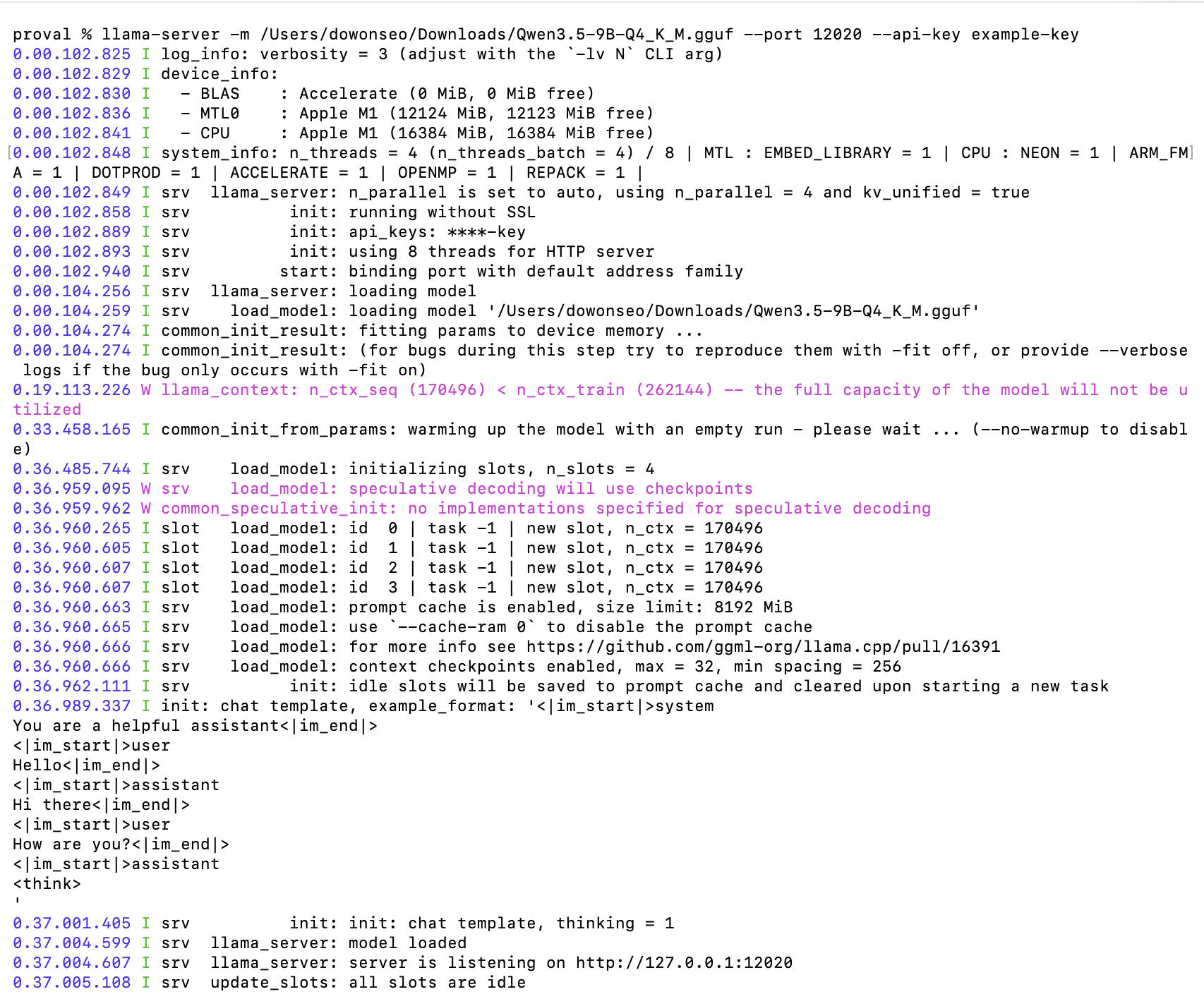
Run llama.cpp with the OpenAI-compatible HTTP server. Set an API key so only your clients can call the API:
llama-server -m /path/to/your-model.gguf --port 8080 --api-key <your-llm-api-key>
Confirm the server responds:
http://<llm-host>:8080/v1/models
Replace <llm-host> with the hostname or IP address of the machine running llama.cpp.
If you run without
--api-key, enter any placeholder in that field. We recommend run llama.cpp with--api-key
In Proval, set Base URL to http://<llm-host>:8080/v1. See Set LLM for the rest of the form and connection test.