'%3e%3cpath%20d='M%2034%20-106.8%20L%20173.5%20-141.7%20A%2011.8%2027.3%200%200%201%20173.5%20-87.1%20L%2034%20-82.8%20Z'%20fill='%23ffffff'%20/%3e%3cpath%20d='M%20-28%20-48%20L%2028%20-48%20L%2064%20112%20L%20-64%20112%20Z'%20fill='%23ffffff'%20/%3e%3cpath%20d='M%20-88%20112%20L%2088%20112%20L%20108%20158%20L%20-108%20158%20Z'%20fill='%23ffffff'%20/%3e%3crect%20x='-50'%20y='-62'%20width='100'%20height='14'%20fill='%23ffffff'%20/%3e%3cpath%20d='M%20-34%20-97.2%20L%20-173.5%20-93.0%20A%2011.8%2027.3%200%200%200%20-173.5%20-38.4%20L%20-34%20-73.2%20Z'%20fill='%23ffffff'%20/%3e%3crect%20x='-30'%20y='-122'%20width='60'%20height='62'%20fill='%23ffffff'%20/%3e%3cpath%20d='M%20-50%20-122%20A%2056%2056%200%200%201%2050%20-122%20Z'%20fill='%23ffffff'%20/%3e%3ccircle%20cx='0'%20cy='-155'%20r='12'%20fill='%23ffffff'%20/%3e%3c/g%3e%3c/svg%3e) Proval
ProvalGitHub
Connect GitHub to Proval with a GitHub App and repository linking.
GitHub requires a public
https://URL for webhooks. Set up HTTPS before you connect.
GitHub integration uses a GitHub App. Proval can create the app via quick setup, or you can register an existing app manually. Per-repository webhooks are not configured by hand. The App handles delivery.
Prerequisites
- Quick Start completed. Proval is running
- A model provider configured in Proval
- A public
https://URL reachable from GitHub (HTTPS; webhooks use port 7901)
Public URL and HTTPS
Webhook URL pattern:
https://<public-host>/webhook/github
Include the port if needed: https://<public-host>:7901/webhook/github.
Terminate TLS with nginx, Caddy, Traefik, or Cloudflare Tunnel and forward to port 7901:
https://proval.example.com/webhook/github → http://127.0.0.1:7901/webhook/github
The dashboard can share the same hostname (→ 7900) or stay on an internal port. When the dashboard is served over HTTPS, set COOKIE_SECURE=true on the Proval container.
Quick setup (recommended)
Step 1: Start GitHub App registration
- Dashboard → Git Provider → Connect GitHub App
- Quick setup → Continue
- Enter your public base URL (e.g.
https://proval.example.com), then Next
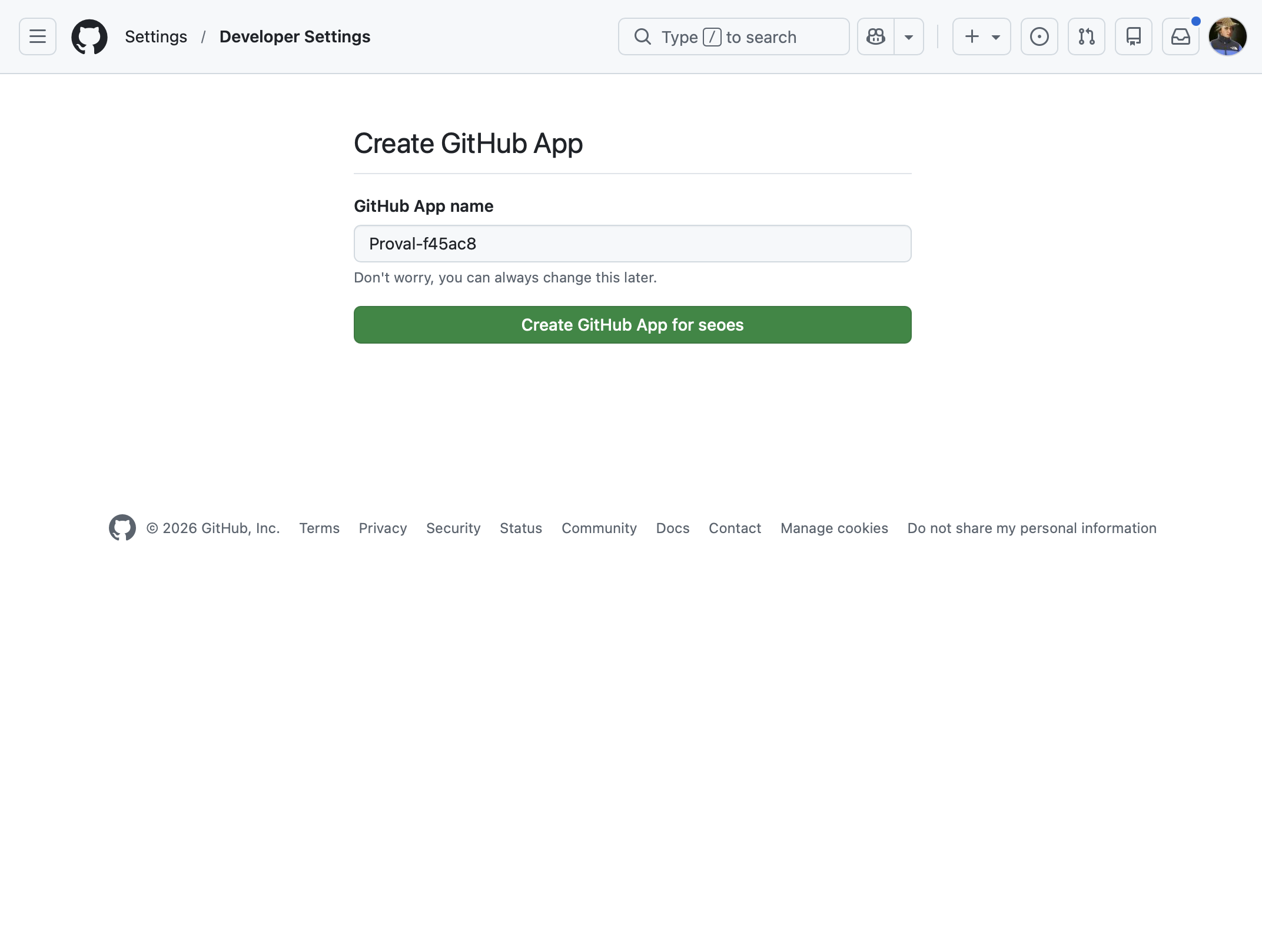
Step 2: Create the app on GitHub
Review permissions on GitHub and click Create GitHub App. You return to Proval automatically.
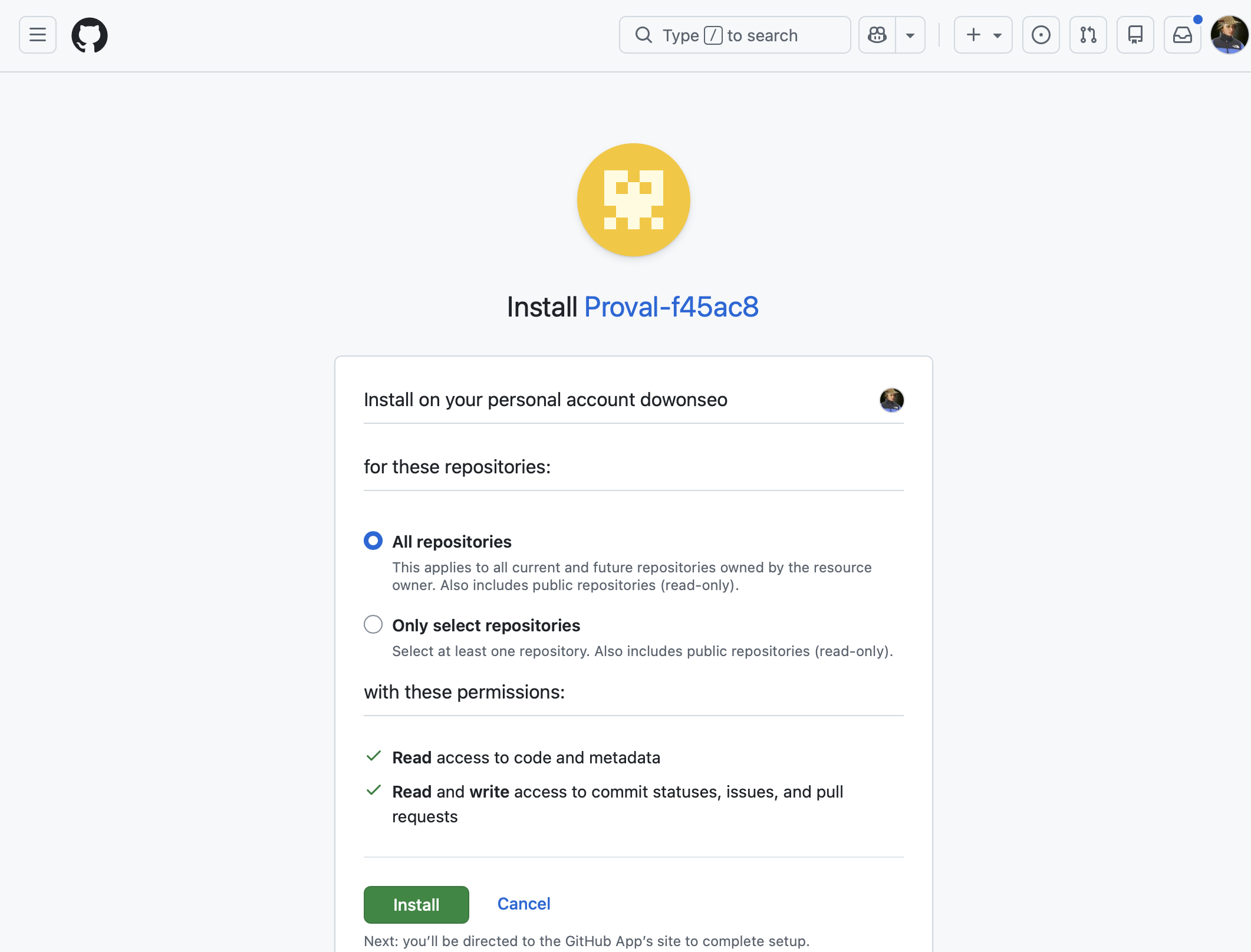
Step 3: Connect a GitHub account (installation)
- Connect GitHub account
- Select user or organization and repositories
- Complete the installation flow
Step 4: Add a repository in Proval
- Repositories → Add repository
- Select your GitHub installation and repository
- Configure model provider and review settings. No webhook secret needed
- Create
Existing app (manual)
- Git Provider → Connect GitHub App → Existing app
- Fill in App ID, Slug, Private key (PEM), Webhook secret, Public base URL
- Confirm the webhook URL matches your GitHub App settings
- Test Connection, Save
- Connect account and add repositories as in Steps 3 and 4
The app must subscribe to pull_request and issue_comment (quick setup sets these automatically). The pull_request subscription covers open, synchronize (push), reopen, and ready for review so Proval can review on first push or every push per repository settings. Draft pull requests are skipped until they are marked ready.
Troubleshooting
| Symptom | Likely cause |
|---|---|
| Redirect fails after app creation | Public HTTPS URL not reachable; check firewall and proxy |
| No repositories in dropdown | Installation missing repository access |
| No review on PR | App not installed on the repository, or webhook URL mismatch |
| 401 on webhook | Webhook secret in GitHub App settings does not match Proval |